Panel Overview
Learn your way around the ModReady control panel. Everything you need to manage your server is here.
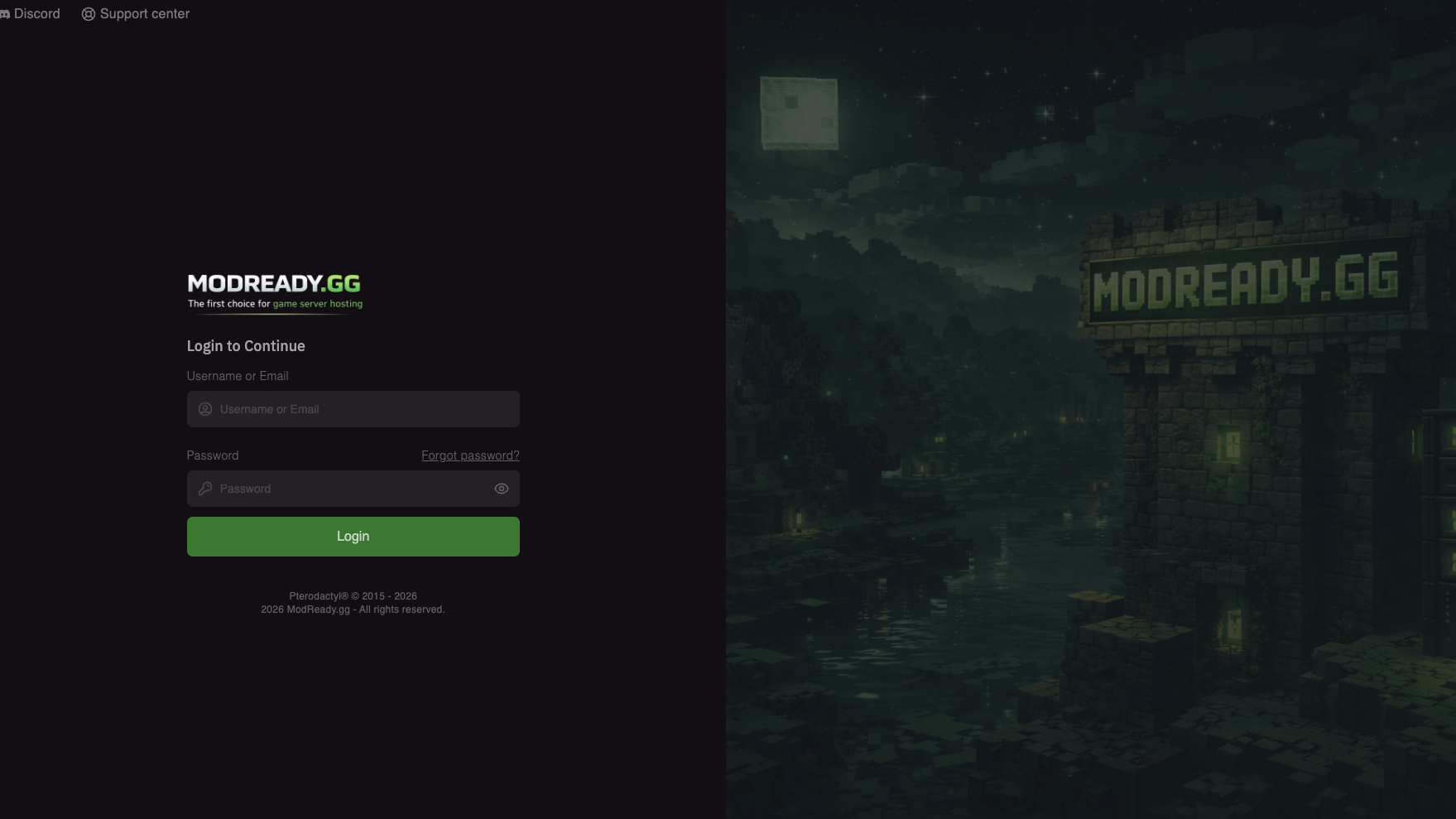
Accessing Your Panel
- Go to panel.modready.gg
- Log in with the email and password from your welcome email
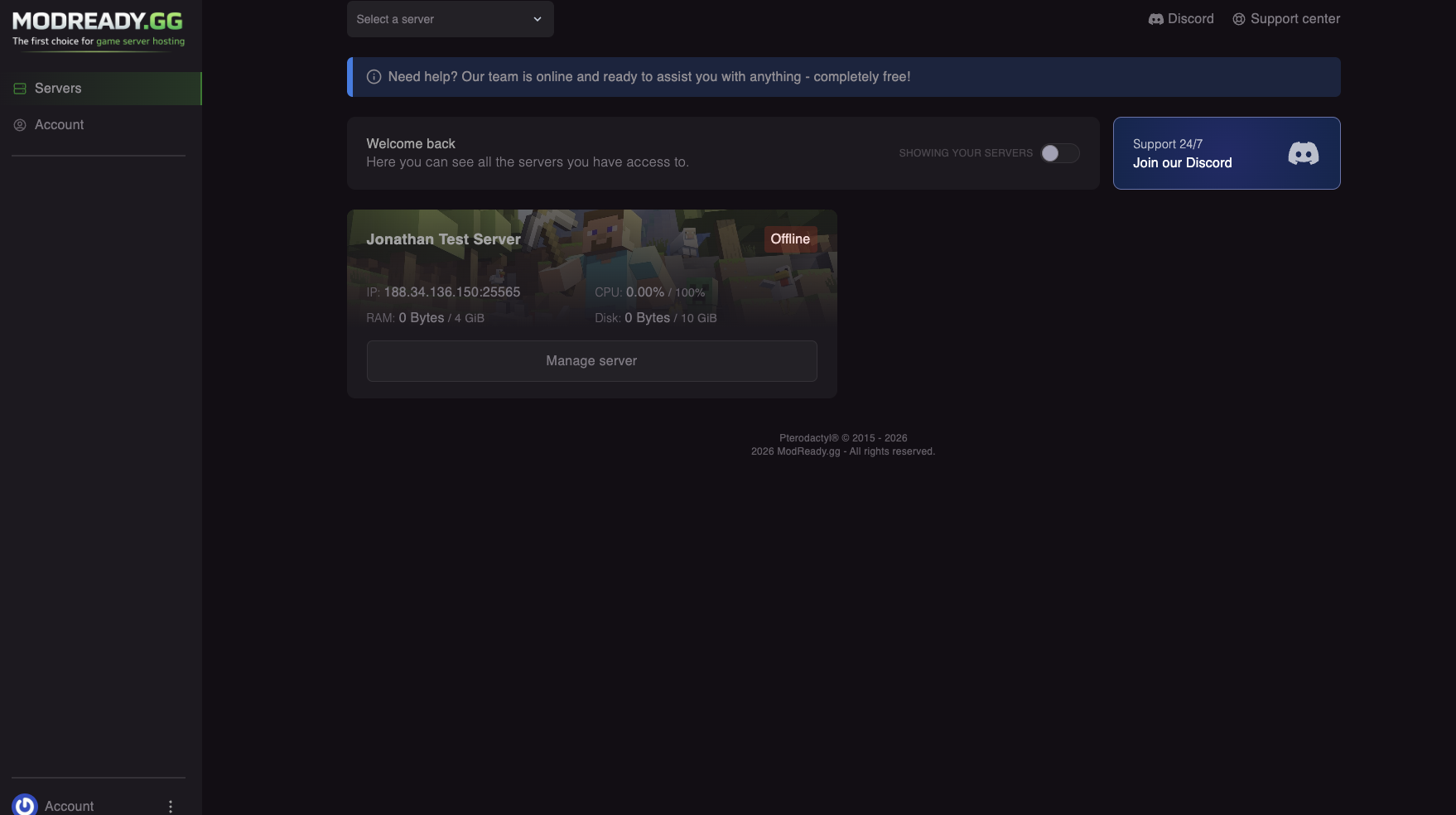
- Click on your server to open the dashboard
Dashboard Overview
When you open your server, you'll see the main dashboard with key information:
Server Status
At the top, you'll see:
- Status - Running, Stopped, Starting, etc.
- Server Address - IP and port for connecting
- Players Online - Current player count
Power Controls
| Button | What it does |
|---|---|
| Start | Turns on your server |
| Restart | Stops and starts the server (use after config changes) |
| Stop | Gracefully shuts down the server |
| Kill | Force stops the server (only use if Stop doesn't work) |
Sidebar Menu
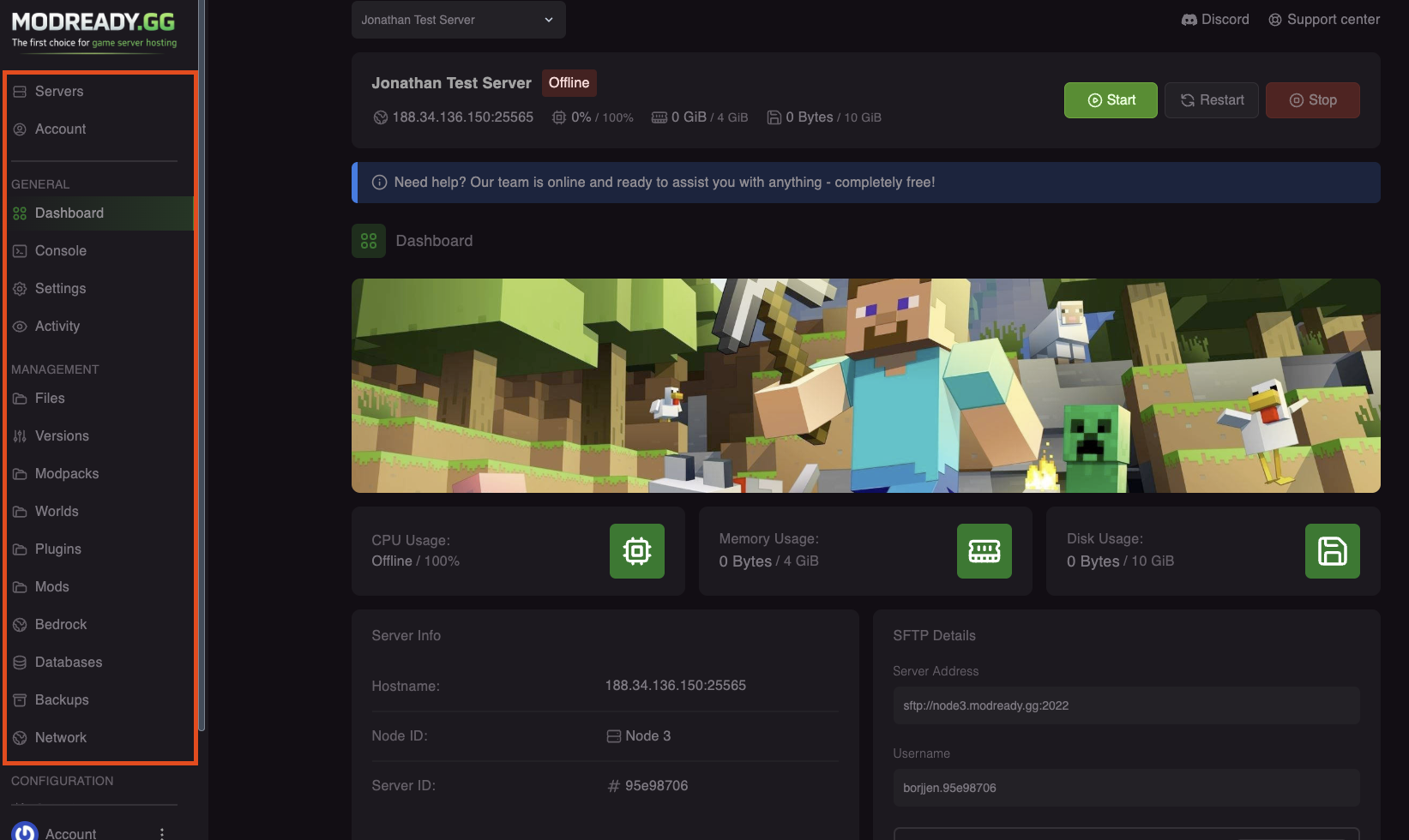
The left sidebar has all the tools you need:
| Menu Item | What it does |
|---|---|
| Console | View server logs and run commands |
| Files | Browse and edit server files |
| Databases | Manage MySQL databases (if needed) |
| Backups | Create and restore backups |
| Schedules | Set up automatic tasks (restarts, backups) |
| Users | Give others access to your panel |
| Startup | Configure server version and settings |
| Settings | Server name and reinstall options |
| Modpacks | Install modpacks with one click |
| Mods | Add individual mods |
| Plugins | Add plugins (Paper/Spigot servers) |
Console
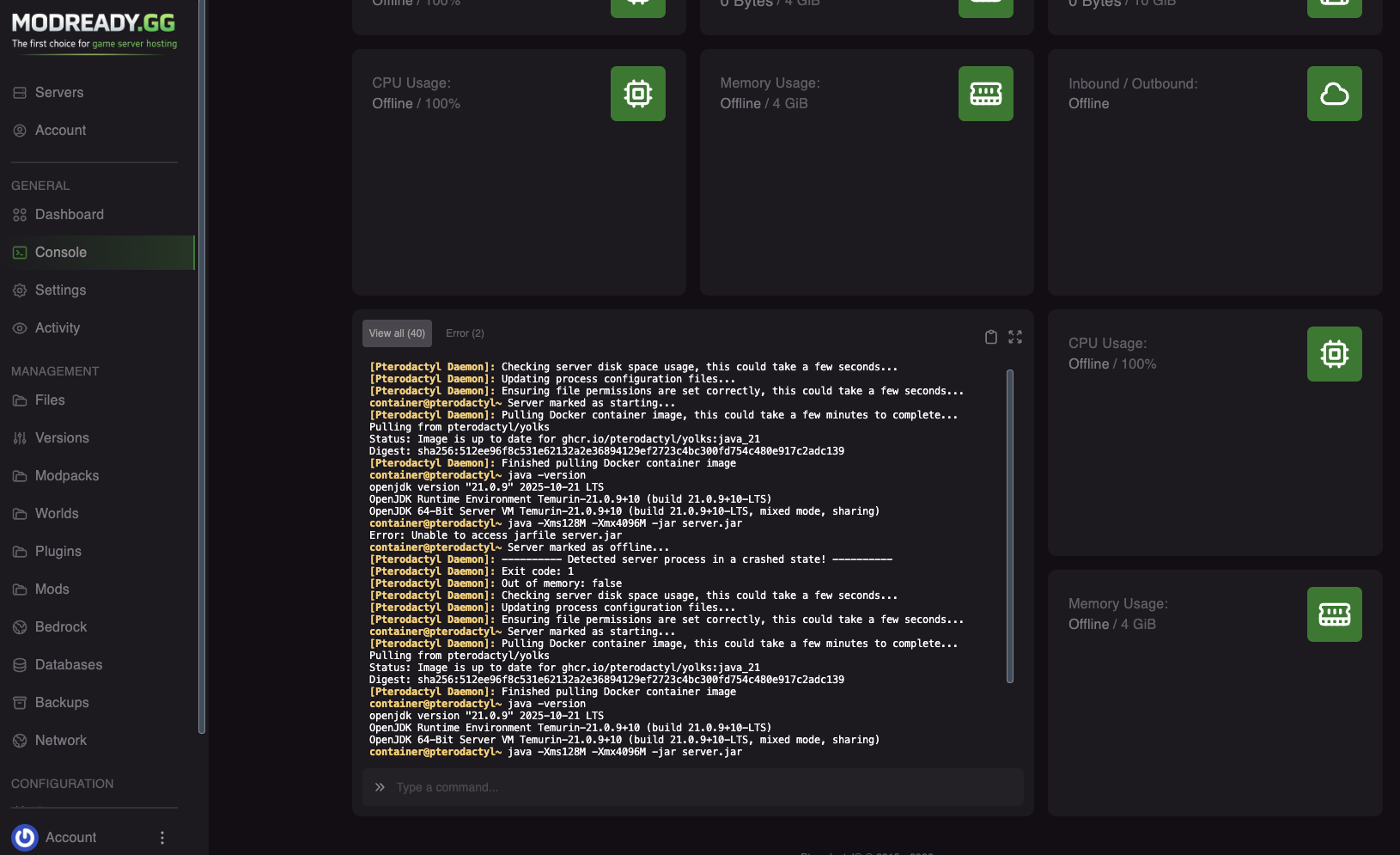
The console shows everything happening on your server in real-time.
Running Commands
Type commands in the input box at the bottom. You don't need to type / - just the command itself.
Common commands:
op PlayerName- Make someone an operator (admin)whitelist add PlayerName- Add someone to whitelistwhitelist on- Enable whitelistgamemode creative PlayerName- Change gamemodegive PlayerName diamond 64- Give items
Resource Usage
The graphs show your server's resource usage:
- CPU - Processing power usage
- RAM - Memory usage (important for modded servers!)
- Disk - Storage space used
If your server keeps crashing, check the RAM graph. If it's always at 100%, you might need more RAM for your modpack.
Quick Actions
Need to restart your server?
Click Restart on the dashboard. Always restart after changing config files.
Need to change Minecraft version?
Go to Startup and change the version variable, then restart.
Need to reinstall?
Go to Settings → Reinstall Server. This will reset your server to a fresh state.
Reinstalling deletes all files! Make a backup first if you have a world you want to keep.
Need help with something specific? Join our Discord!